Account & Billing
Account settings and password
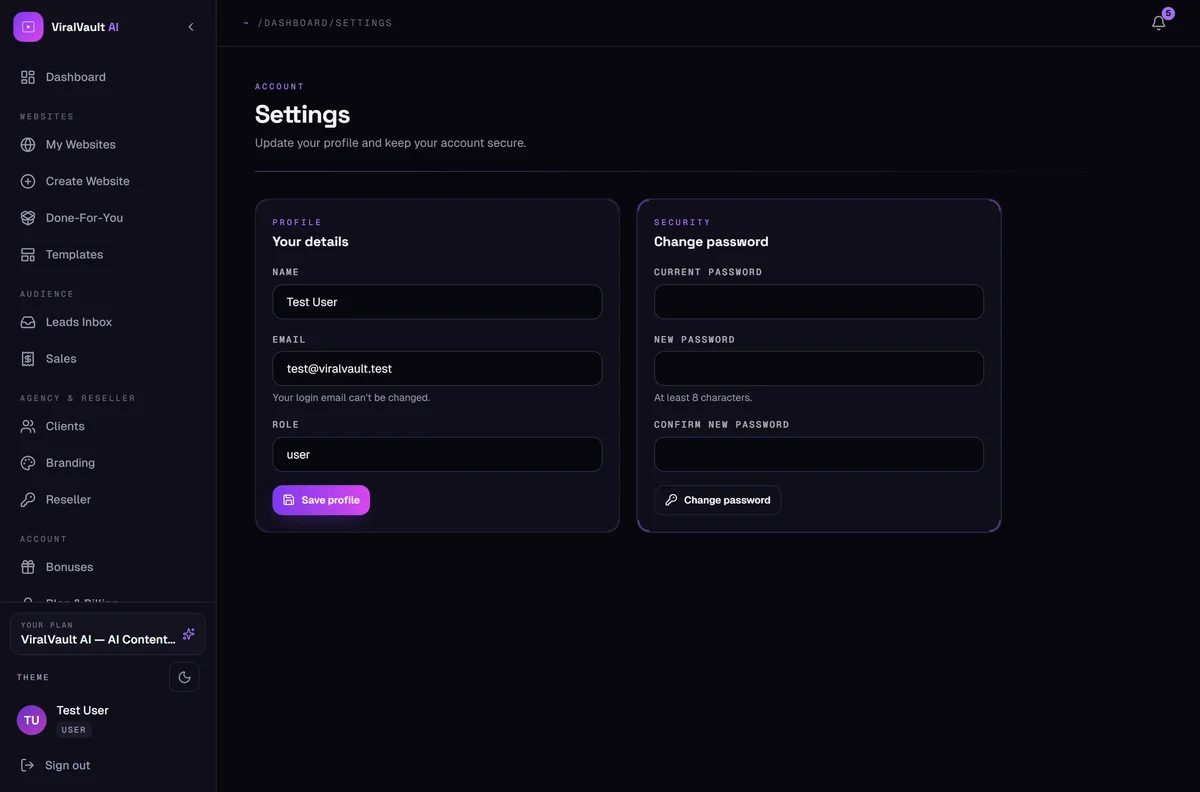
Update your name and change your password.
- 1
Your details
Open Settings to update your display name. Your login email can't be changed — it's the key your purchases and sites are attached to. If you genuinely need it moved, open a support ticket.
- 2
Change your password
Enter your current password, then the new one twice. Minimum eight characters. Use something unique to this account.
- 3
Forgot it?
Use Forgot password? on the login page — a reset link is emailed to you.