Content & Customization
Add training programs
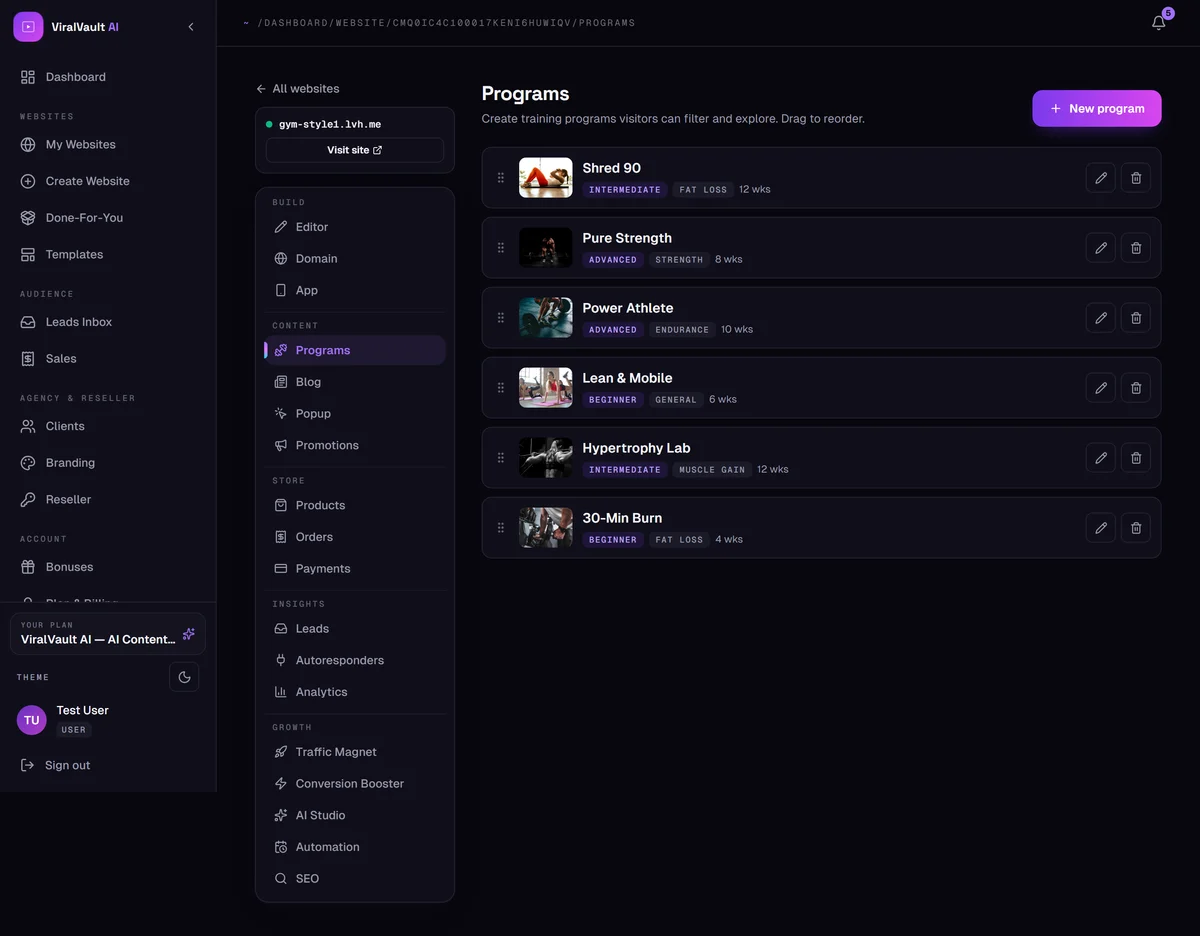
Structured programs your visitors can browse and filter, with covers and difficulty tags.
- 1
Open Content → Programs
Programs are the structured offers on your site — Shred 90, Pure Strength, Lean & Mobile. Visitors can filter and explore them, and each gets its own public page automatically.
- 2
Create one
Click New program and fill in the title, description, cover image, difficulty and duration. The tags you set are what visitors filter by, so keep them consistent across programs.
- 3
Drag to reorder
The order in this list is the order on your site. Drag a program to move it — put your strongest offer first.
- 4
Show them on the page
Your niche's default layout already includes a programs section. If you removed it, add it back from + Add in the Section Editor.