Leads & Marketing
Capture leads with a popup
Six designs, four triggers and an optional freebie — built to grow your list.
- 1
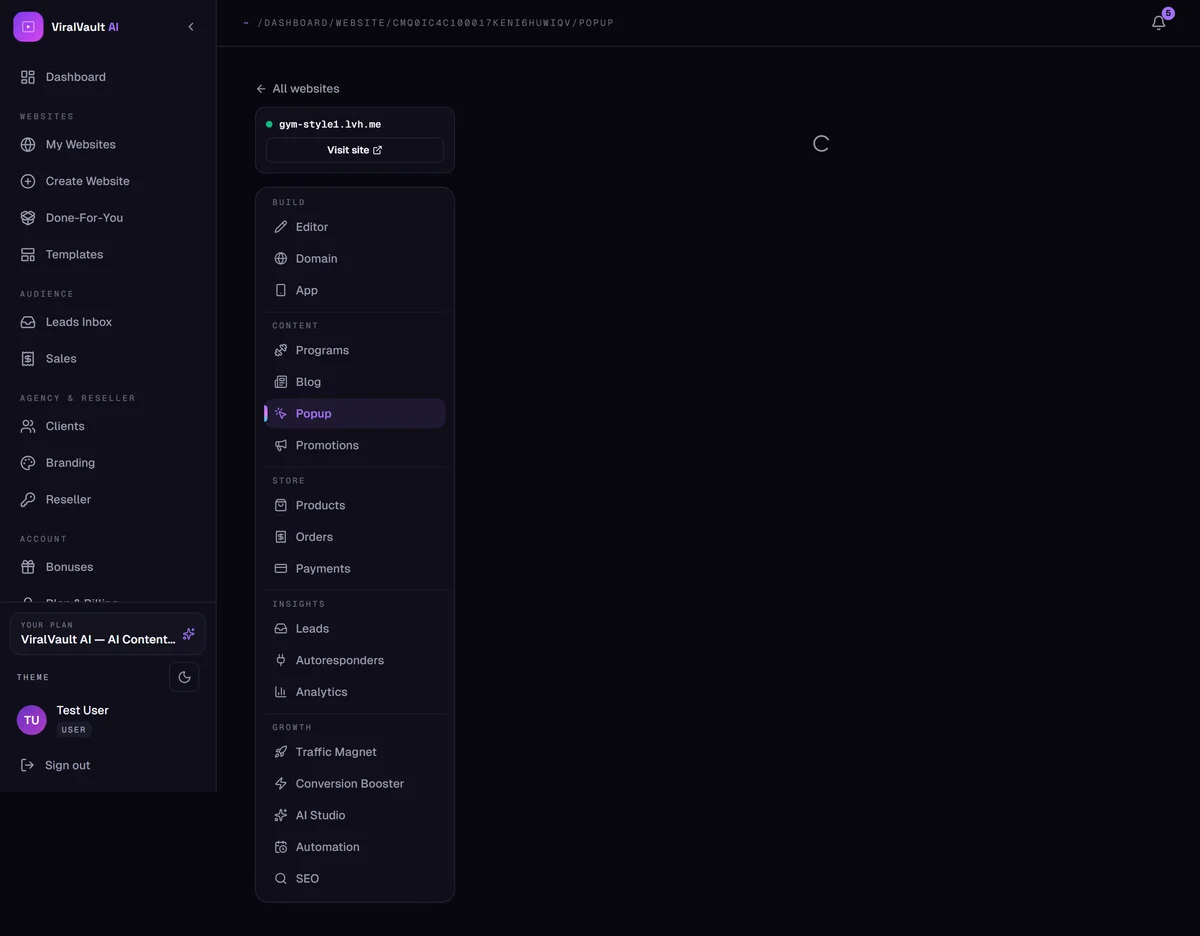
Open Content → Popup
Pick one of the ready-made designs. Each works in both light and dark, and the preview on the right shows exactly what visitors will see.
Turn the switch on and the popup goes live on your published site.
- 2
Write the offer
Set the headline, subtext, button label, icon and accent colour, plus the success message shown after signup.
Choose whether the form asks for email only or name + email — asking for less converts better, so only add the name if you'll actually use it.
- 3
Add a lead magnet
Upload a file — a PDF, a ZIP — as a lead magnet and it's delivered automatically after opt-in. A concrete freebie converts far better than "join our newsletter".
- 4
Decide when it appears
Four triggers: on page load, after a delay, on exit intent, or on scroll. Then set the frequency — once per visitor, every visit, or once every N days — and whether it shows on all pages or the home page only.
Exit intent plus once-per-visitor is the least annoying combination.
- 5
Where the signups go
Every submission is saved as a lead with the source popup, and pushed to your autoresponder if you've connected one.