Getting Started
Create your first website
From an empty account to a fully preloaded video website in about a minute.
- 1
Open the Create Website wizard
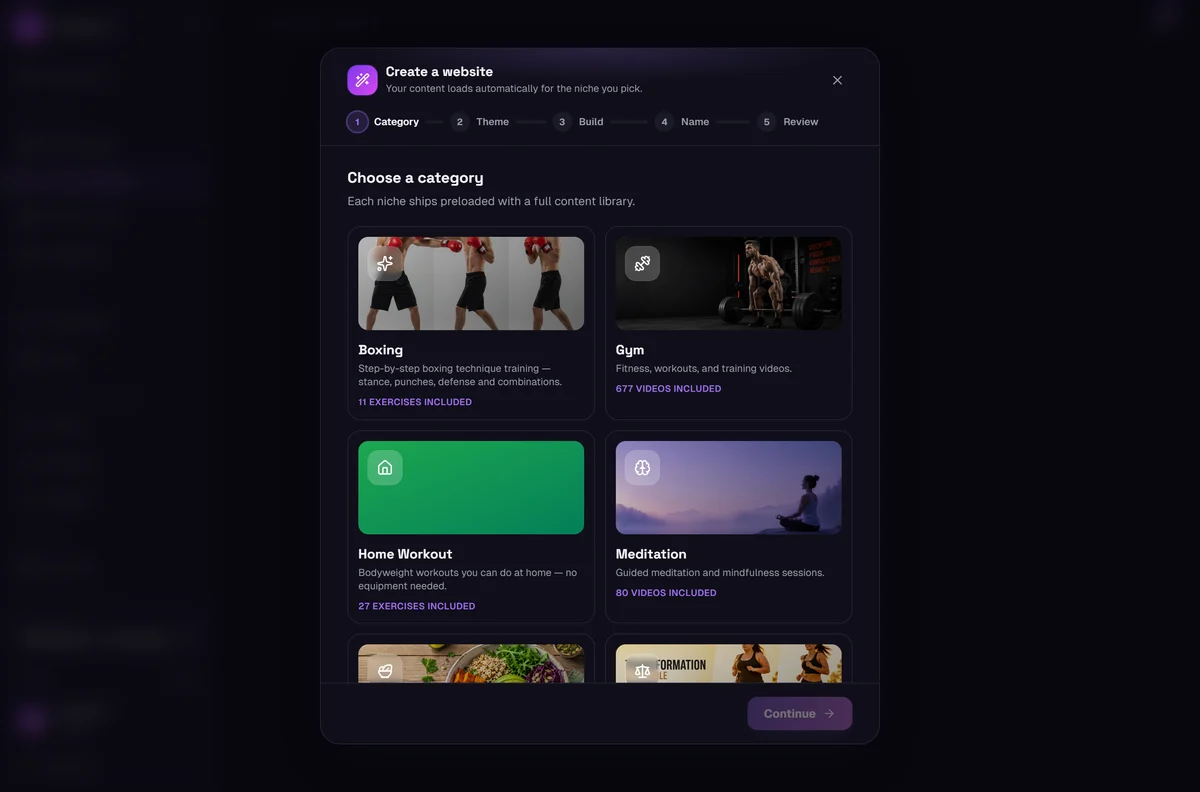
Click Create Website in the left sidebar. The wizard is one page — you scroll through it and press Continue as you go. No code, no uploads, nothing to install.
- 2
Pick your niche
Choose the category your site is about — Gym, Home Workout, Boxing, Yoga, Meditation, Weight Loss or Recipes.
This is the most important choice on the page, because your content loads automatically for the niche you pick. Every niche ships with its own full library of videos, images and copy, so the site is never empty on day one.
- 3
Choose a design style
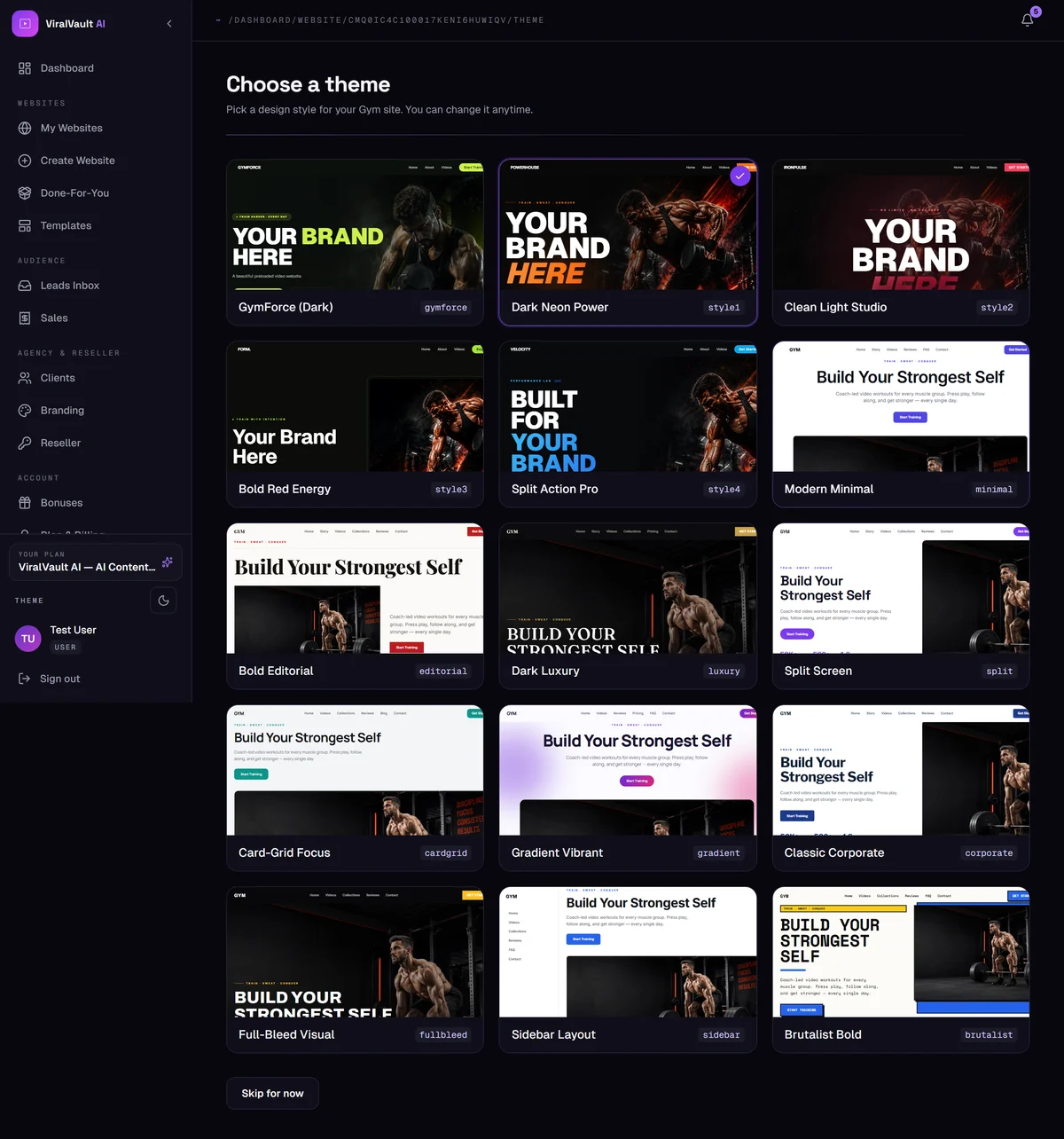
Each niche has its own designer styles — dark and neon, editorial, minimal, luxury, and niche-specific looks like IronFist for Boxing or HomeFit for home workouts.
You get a live preview of each one, and you can change it later at any time without losing your content.
- 4
Name it and build
Enter a site name and pick your free subdomain, then press the final Continue. Your site is assembled instantly — sections, videos, images and text already in place.
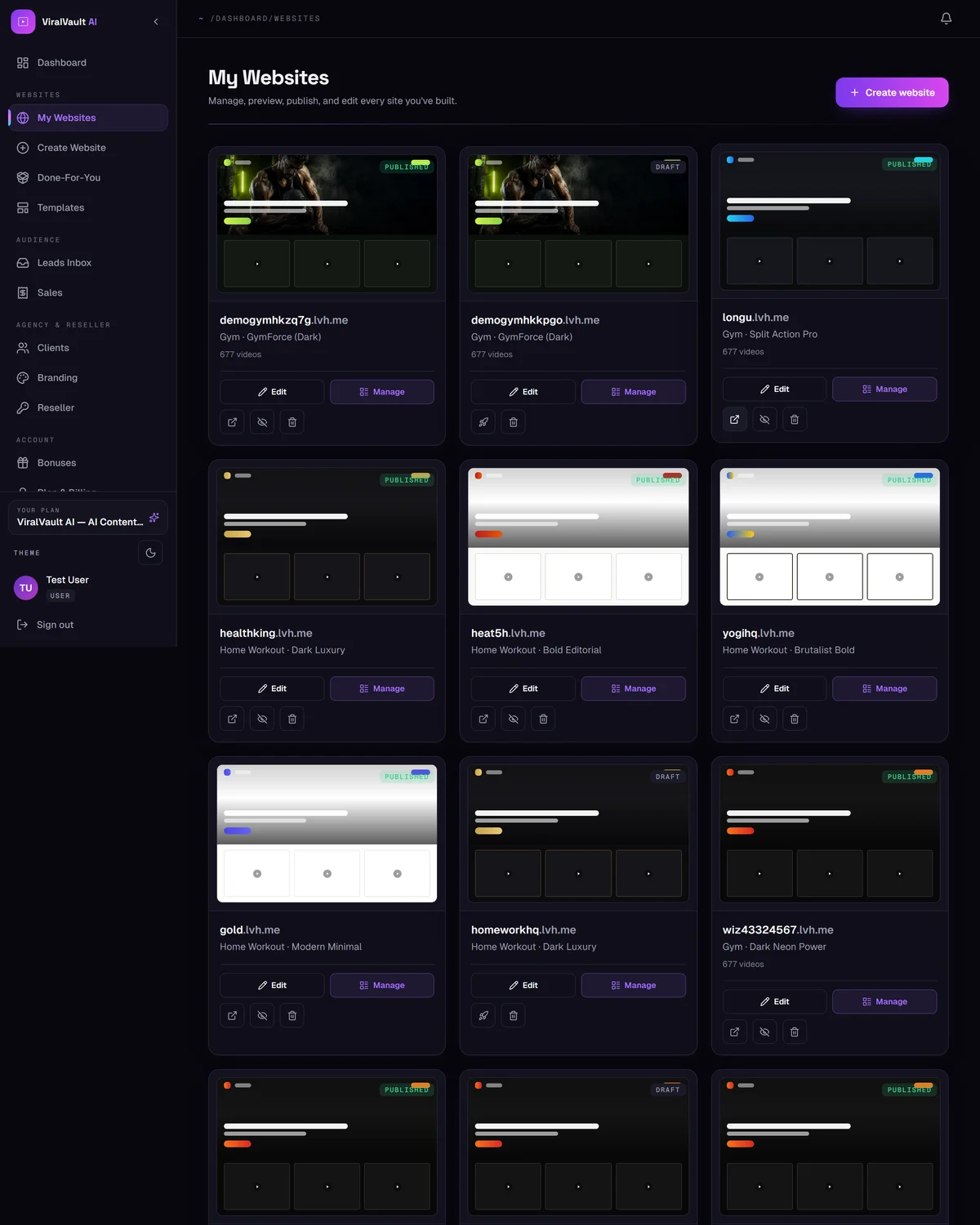
It appears under My Websites, ready to edit or publish.