Account & Billing
Your plan and upgrades
What your plan includes, how upgrades stack, and what to do if a purchase hasn't appeared.
- 1
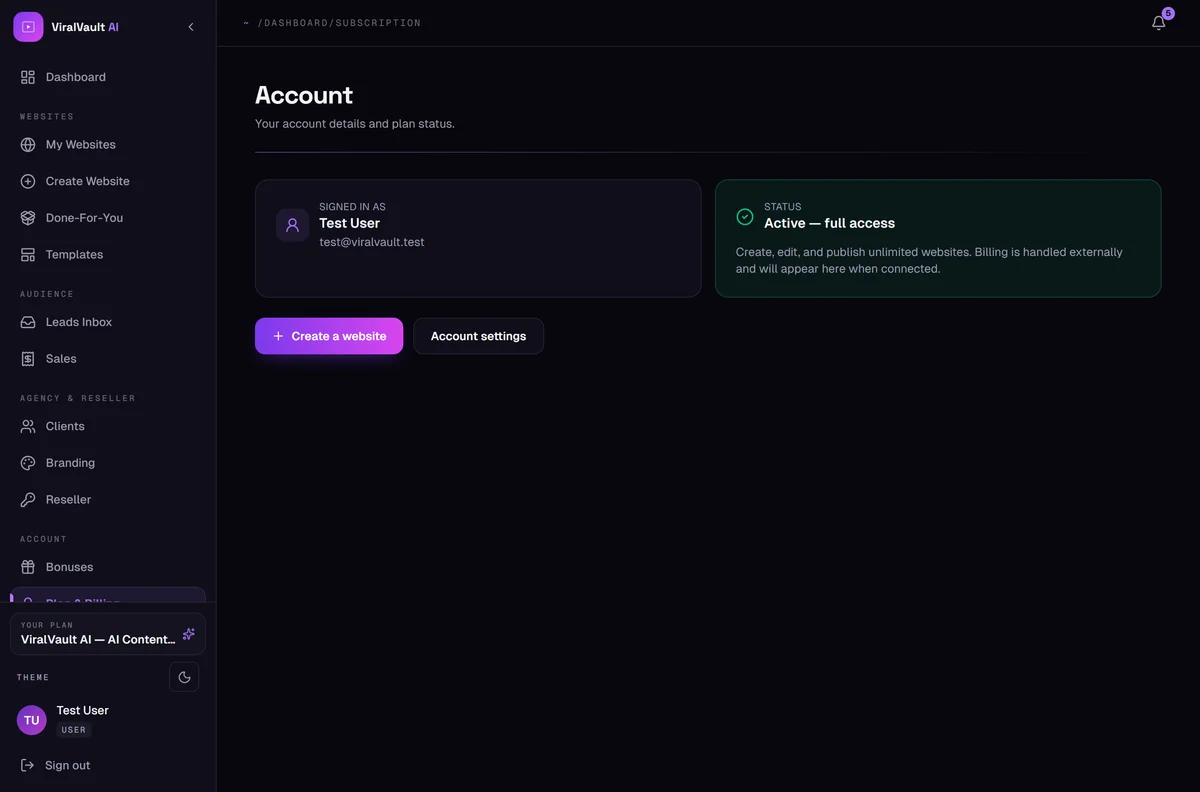
See your current plan
Open Account from the sidebar to see your active plan and its limits — how many websites and products you can create, and which features are unlocked.
- 2
Upgrades stack
Buying an upgrade adds to what you already own — nothing is ever swapped out or taken away. Your entitlements are merged across everything you've bought.
- 3
Locked features are visible on purpose
Tabs and tools your plan doesn't include still appear, pointing at the upgrade page. That's so you can see what's available before deciding — not a bug.
- 4
A purchase hasn't appeared?
Purchases usually unlock within a few minutes. If yours hasn't after that, open a support ticket from Help & Support with the receipt email attached and we'll apply it manually.