Content & Customization
Promote affiliate offers
Add affiliate links and banners, then place them on your page and track the clicks.
- 1
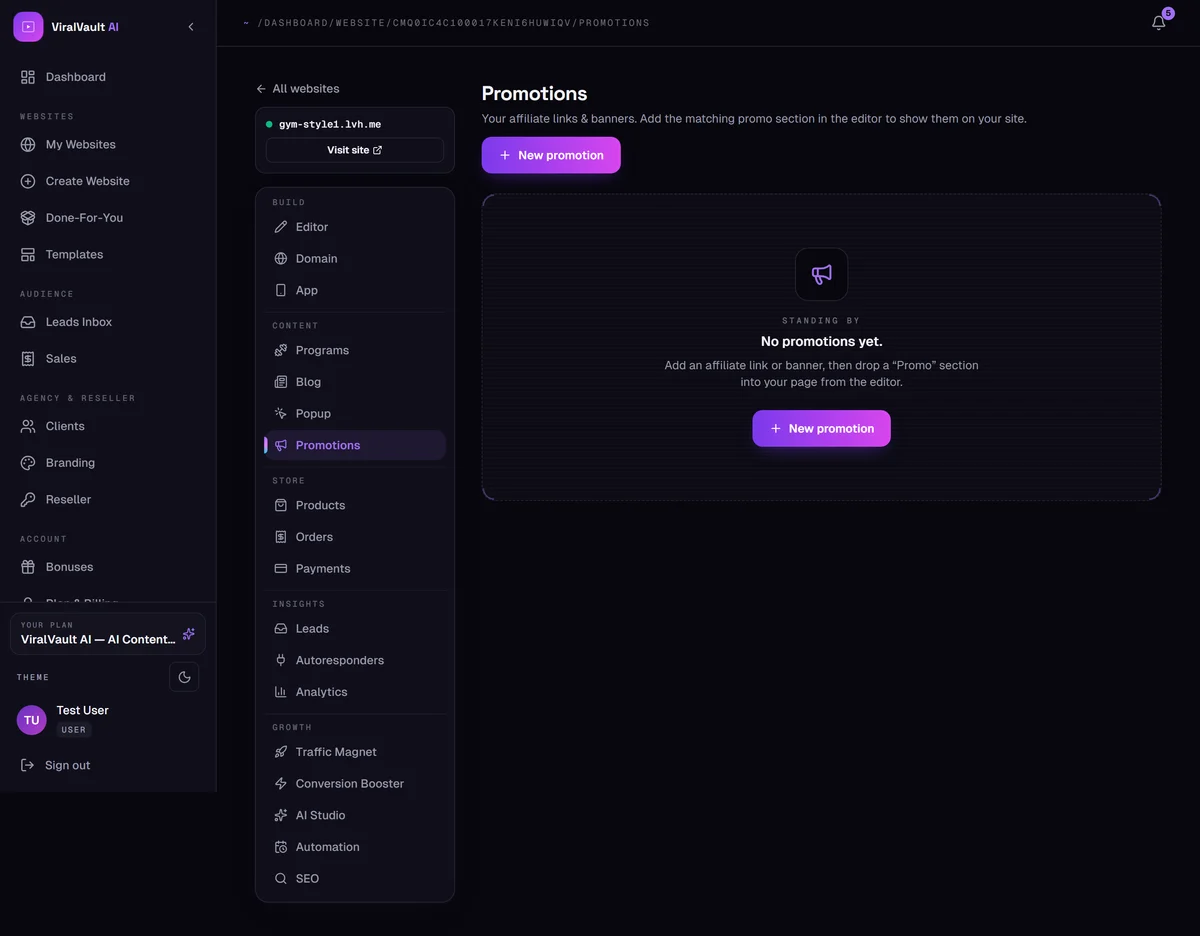
Open Content → Promotions
This is where your affiliate links and banners live. Each one records its own impressions and clicks, which show up in Analytics.
- 2
Add a promotion
Click New promotion, then add your affiliate URL, a headline and either an uploaded banner image or a text-only card.
- 3
Place it on your page
Adding a promotion doesn't display it by itself. Open the Section Editor and drop in a promo section — you can choose a wide banner, a sidebar card or a slim strip, depending on where you want it.
- 4
Links are marked correctly
Every promotion link is published with
rel="sponsored", which is what Google asks for on paid and affiliate links. That's handled for you.