Selling & Store
Sell digital products
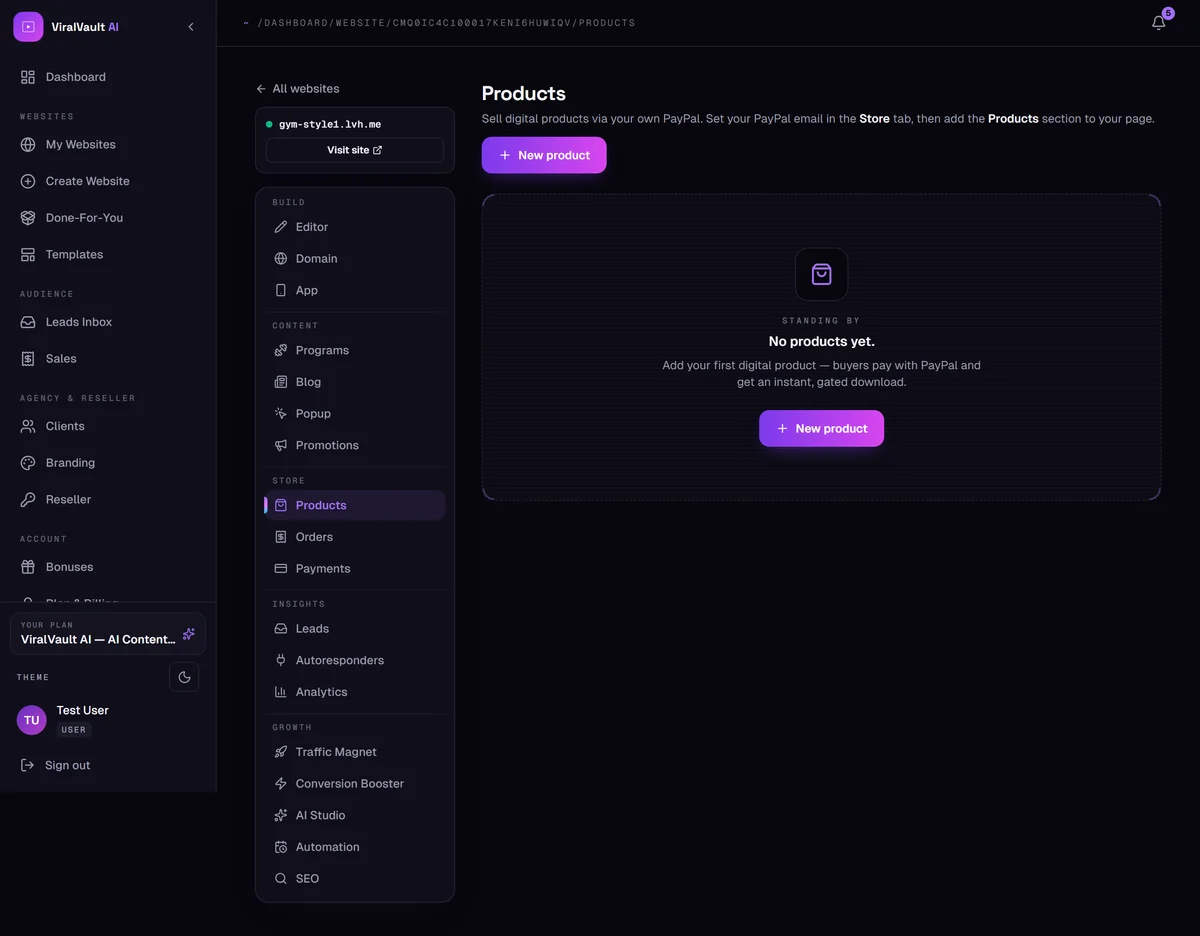
Upload a file, set a price, and let buyers pay you and download it instantly.
- 1
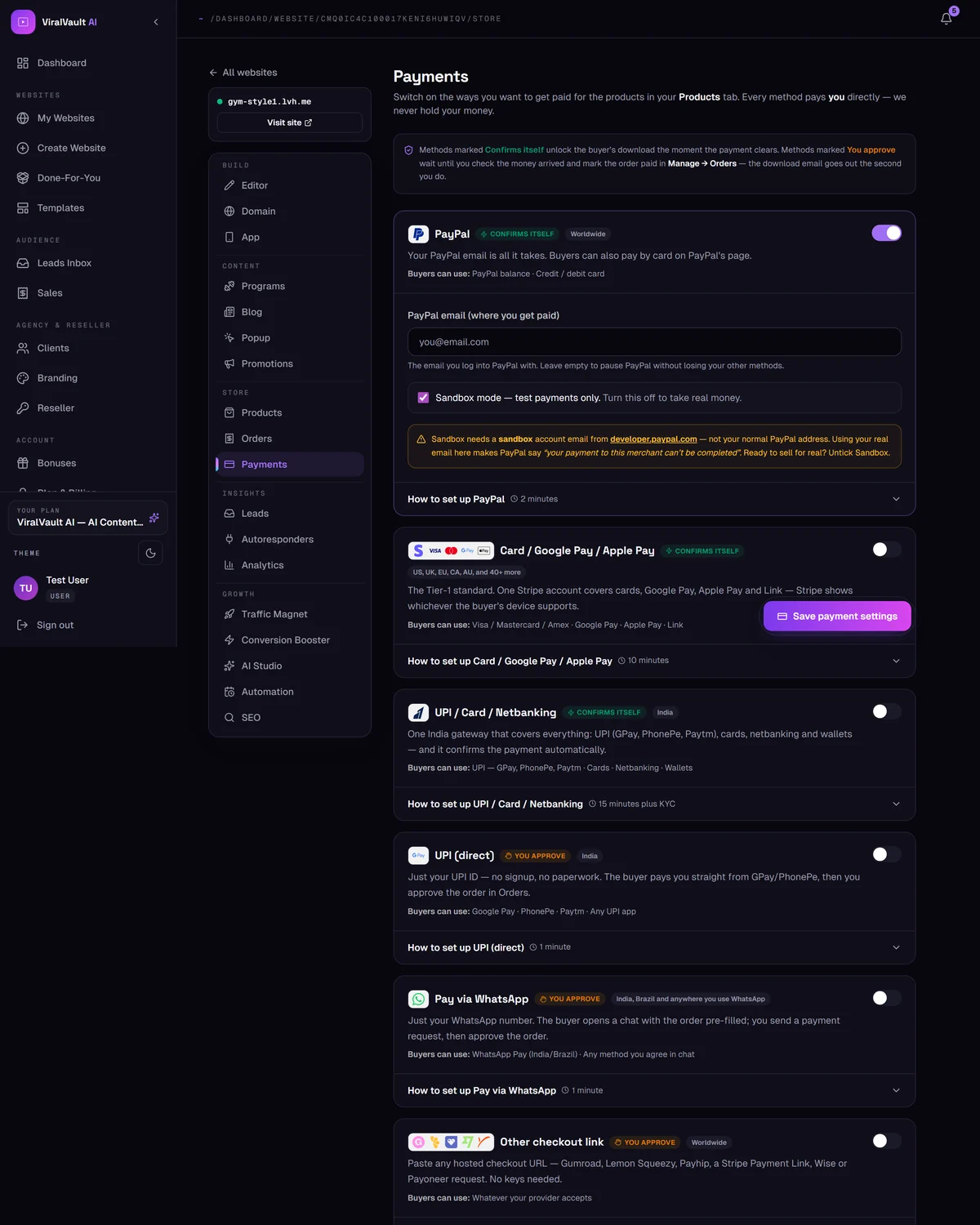
Set your payment method first
Products can't be bought until at least one method is switched on in Store → Payments. Do that first — see the guide above.
- 2
Add a product
Open Store → Products and click New product. Give it a name, price, cover image and the file buyers receive — a PDF plan, an e-book, a template pack, a video bundle.
- 3
Downloads are gated
The file is never a public link. Buyers get a gated download that only unlocks against a confirmed payment, so your product can't be passed around by URL.
- 4
Put the store on your page
Add the Products section from + Add in the Section Editor, then publish. Your products appear with their covers and prices.
- 5
Test before you sell
Run one purchase yourself end to end — PayPal's Sandbox mode exists exactly for this. Check the order appears and the download email arrives before you send real traffic.