Getting Started
Tour your dashboard
Where your traffic, leads, sales and sites live — and what the launch checklist is for.
- 1
The overview
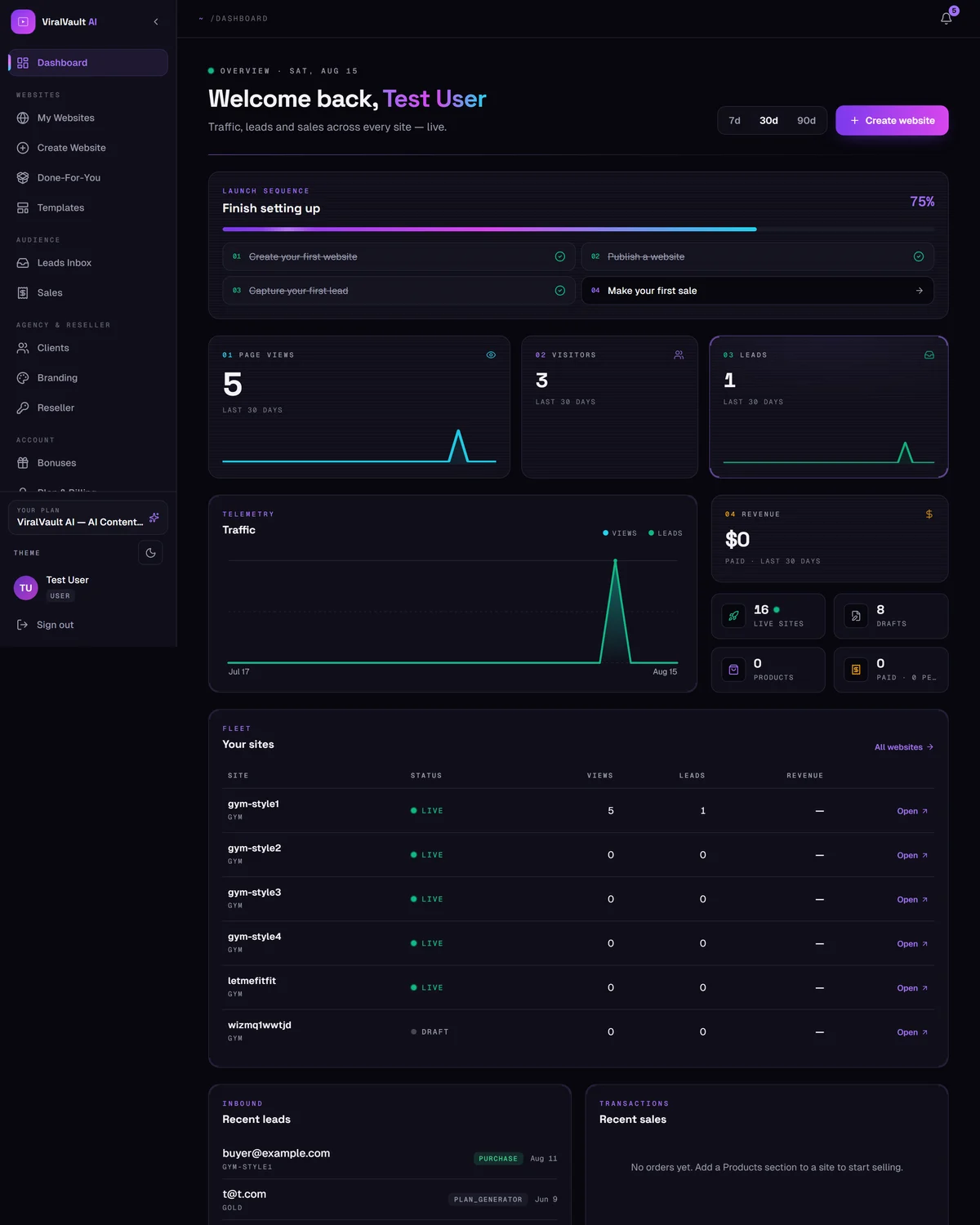
Your dashboard home combines every site you own into one view: page views, visitors, leads and revenue, with a traffic chart underneath.
Use the 7d / 30d / 60d tabs at the top right to change the window.
- 2
Finish setting up
Until your first site is fully live, a progress bar tracks four milestones: create a website, publish it, capture your first lead, make your first sale.
Click any step to jump straight to the page that completes it.
- 3
The sidebar
- Websites — My Websites, Create Website, Done-For-You, Templates
- Insights — Leads Inbox and Sales across all sites
- Clients & Reseller — client sites, branding and reseller tools, where your plan includes them
- Extras — Bonuses and Upgrade
Anything your plan doesn't include yet still appears, but points at the upgrade page instead.
- 4
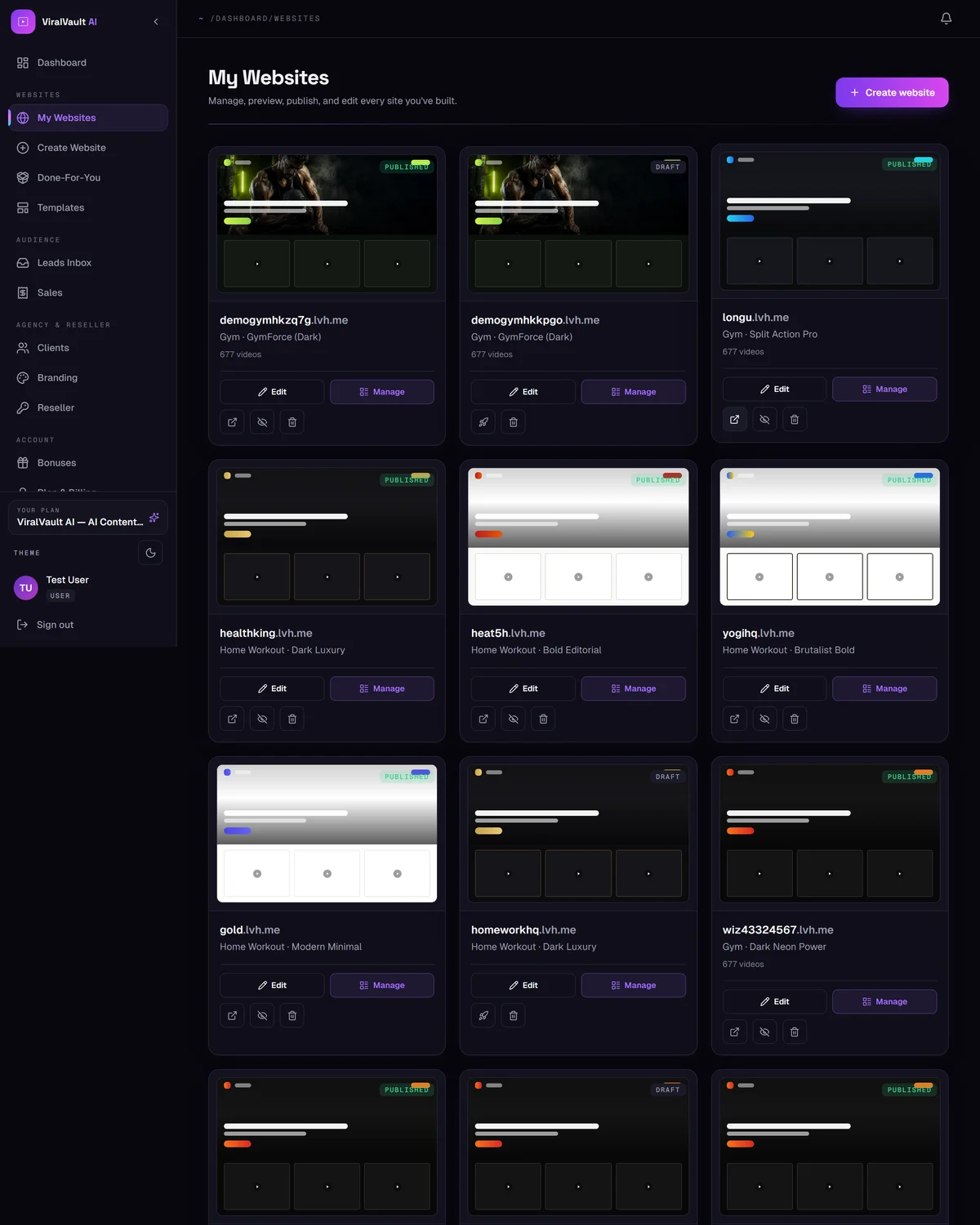
Managing one site
Open My Websites and click a site to enter its management area. From there the left menu is grouped into Build, Content, Store, Insights and Growth — every guide in this Help Center maps to one of those tabs.