Selling & Store
Track and confirm orders
Every checkout in one place, and how to approve the payments you collect yourself.
- 1
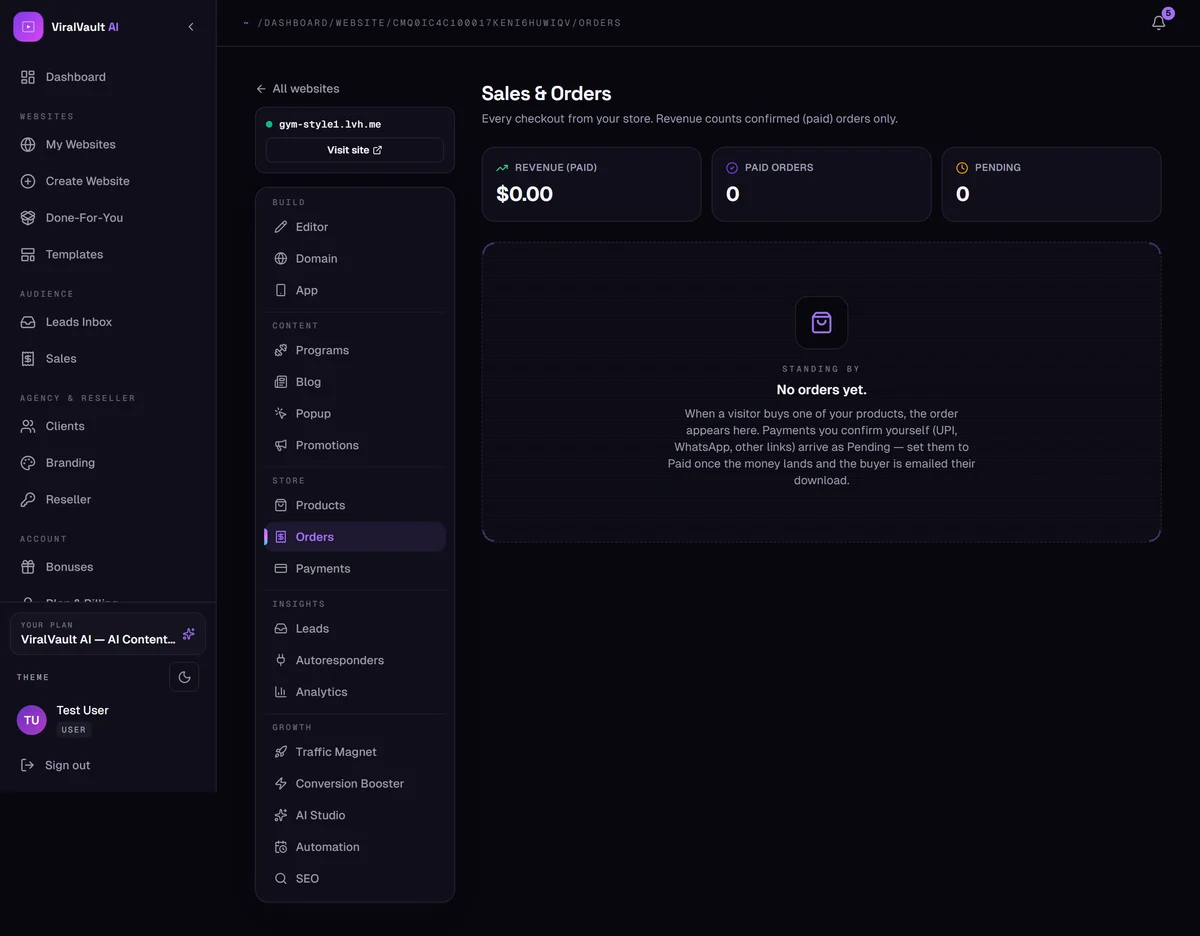
Open Store → Orders
Every checkout from your store appears here. Revenue counts confirmed (paid) orders only, so a pending order never inflates your numbers.
- 2
Automatic payments
PayPal, Stripe and Razorpay orders arrive already marked Paid, and the buyer's download email is sent immediately. There's nothing for you to do.
- 3
Payments you approve
UPI direct, WhatsApp and other-link orders arrive as Pending. Check the money actually landed, then set the order to Paid — the download email goes out the second you do.
- 4
Buyers become leads
Every buyer is also captured into your Leads list, so your customers are on your mailing list without any extra step.
- 5
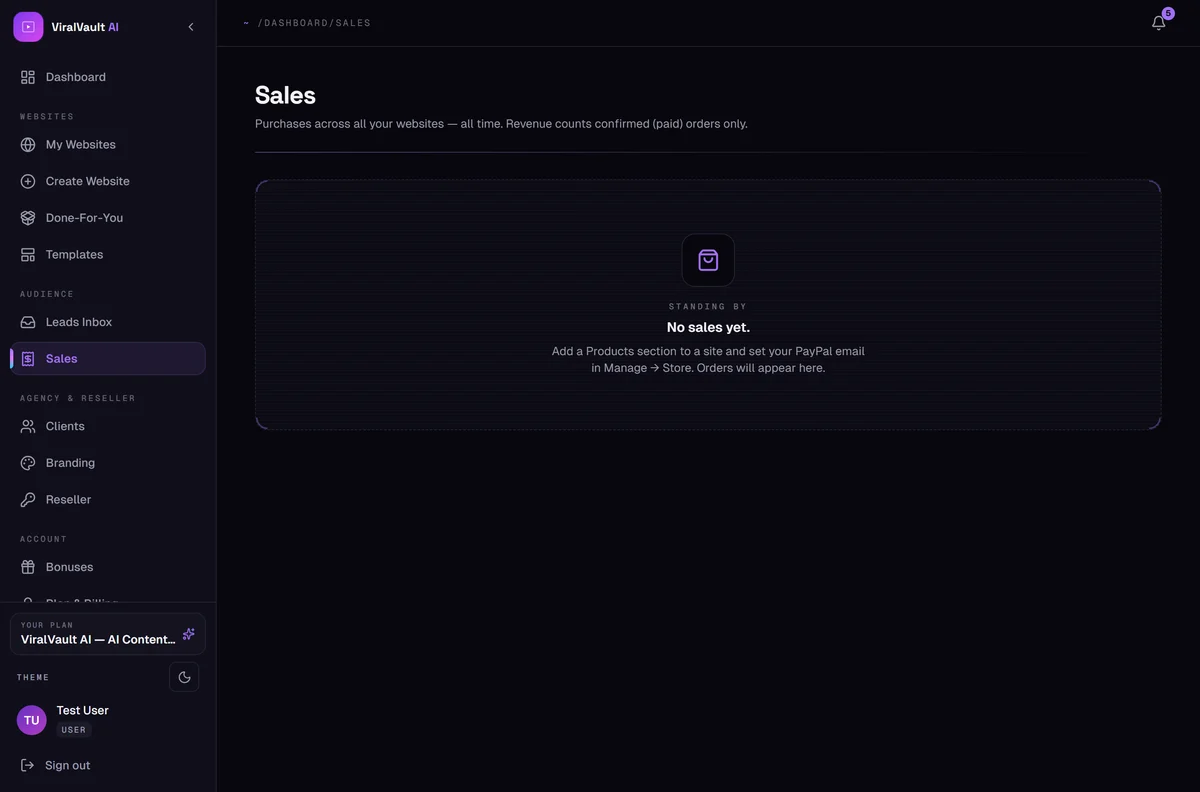
See sales across all sites
The dashboard's Sales page combines orders from every site you own, with date-range filtering.