Leads & Marketing
Work your Leads Inbox
Every signup from every site, filterable and exportable to CSV.

- 1
Per-site leads
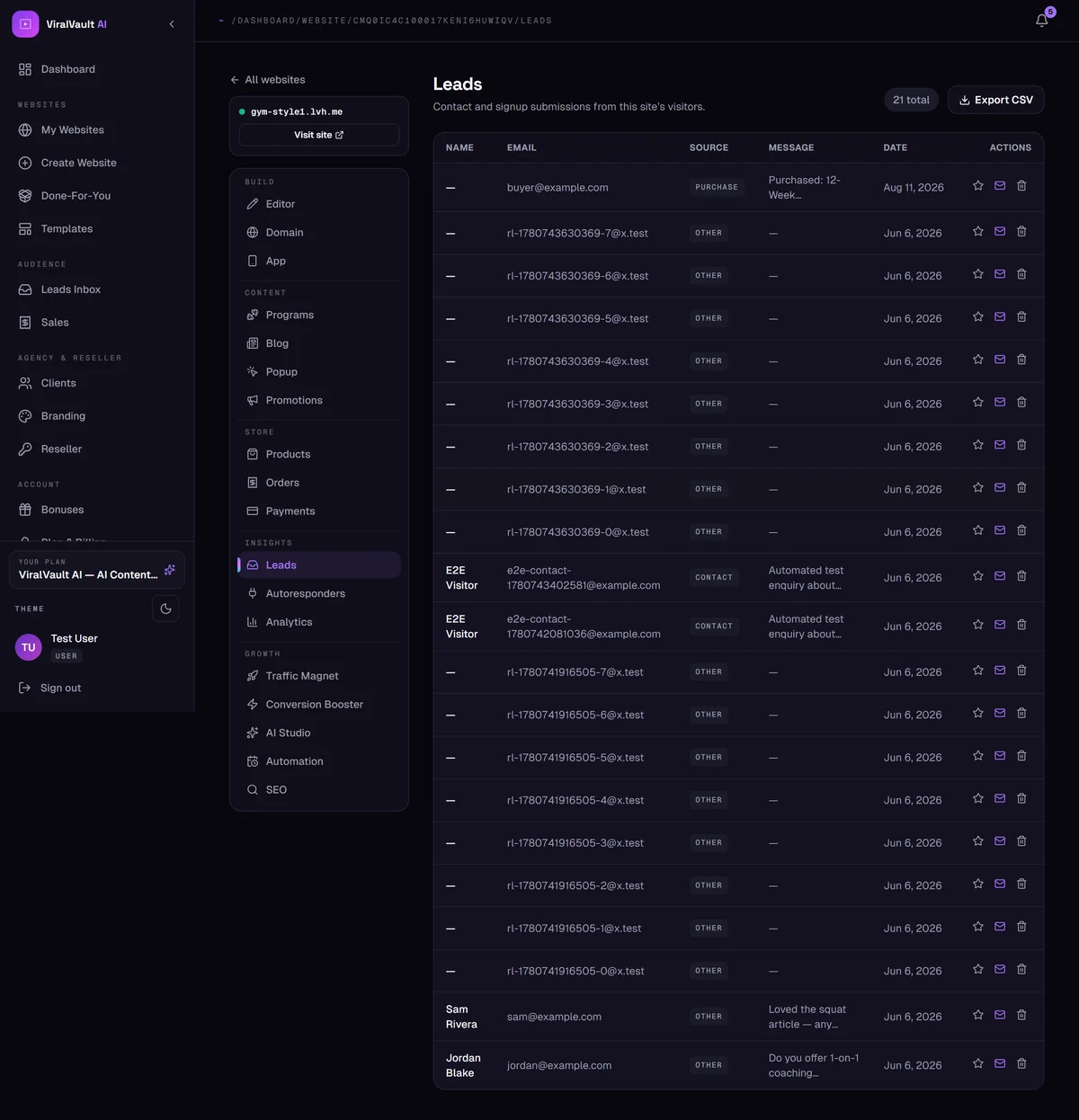
Insights → Leads inside a site shows that site's contact and signup submissions, with the name, email, source, message and date for each.
- 2
All sites in one place
The dashboard's Leads Inbox merges leads from every site you own. Filter by site or by source, open one to read the full submission, and star the ones worth following up.
- 3
Export to CSV
Export CSV downloads the current list — use it to import into any email tool, or just to keep your own backup.
- 4
Know where they came from
Leads are tagged with their source: popup, opt-in section, contact form, a product purchase, or a referral link you built in Traffic Magnet. That tells you which channel is actually working.